How to use FOFA search engine for OSINT, Recon, Bug Hunting & Pentesting

🌐FOFA Search Engine: https://en.fofa.info/
domain="example.com"
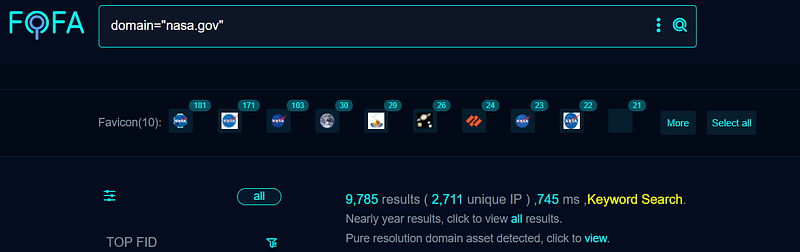
2711 Unique IPs found
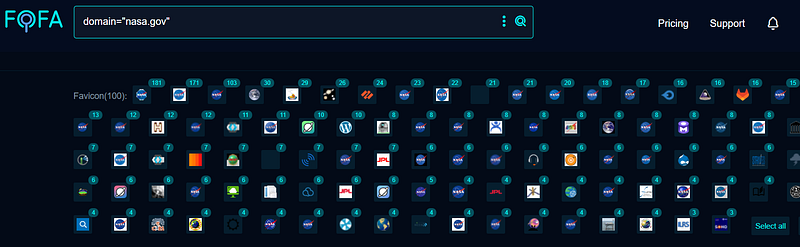
100 Favicons Found
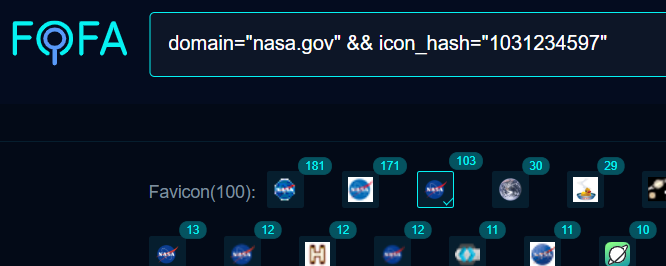
Click on any favicon and automatically, the hash value will be added to the existing dork
domain="example.com" && icon_hash="xxxxxxxxxx"
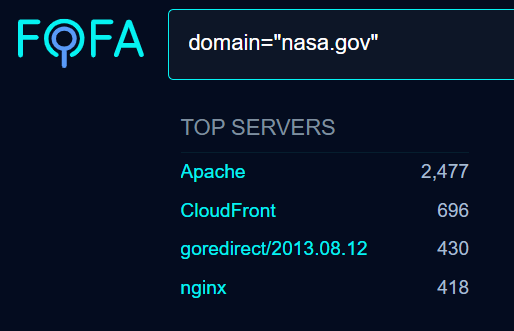
I try to test the Non-WAF endpoints first
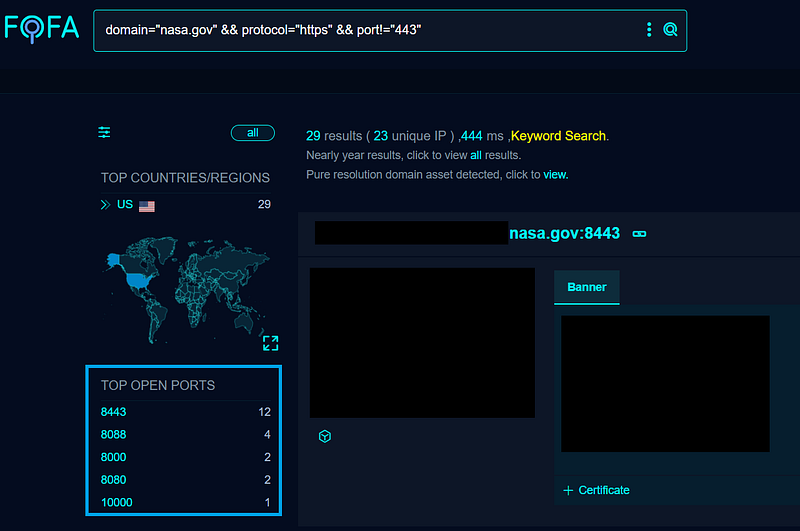
1️⃣ HTTPS ports apart from 443
domain="example.com" && protocol="https" && port!="443"
domain="example.com" && protocol="https" && port!="443" && port!="80"
2️⃣ HTTP ports apart from 80
domain="example.com" && protocol="http" && port!="80"
domain="example.com" && protocol="http" && port!="80" && port!="443"
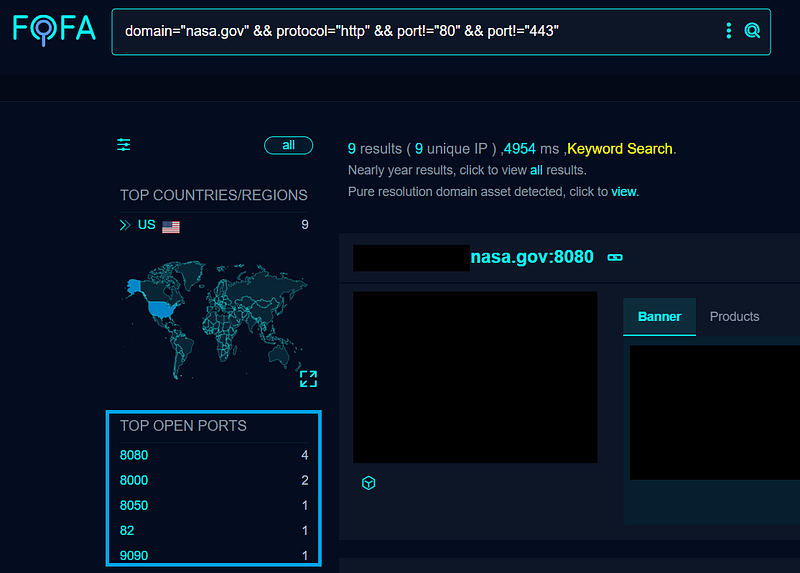
If it is no longer a live endpoint, no problem because now we got idea about what ports they are using. Now we can mass scan only these particular ports on all subdomains and IPs.
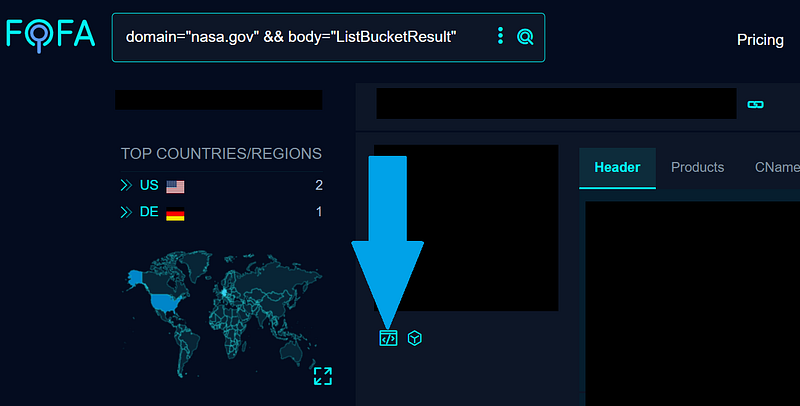
3️⃣ Cloud Buckets
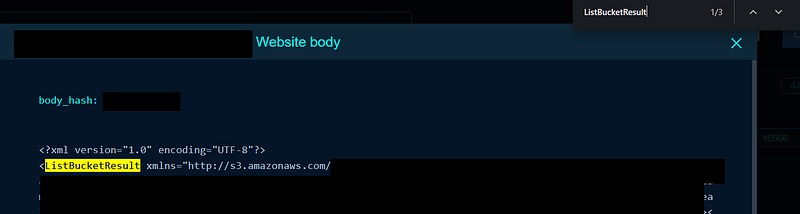
domain="example.com" && body="ListBucketResult"
If the name is assigned the keyword “public”
<ListBucketResult xmlns="http://s3.amazonaws.com/doc/....">
<Name>....public.....</Name>
then it’s not useful. In other cases, we can report and ask the company whether it’s meant to be public or was public unintentionally.

P4 is the max severity for this unless you can find highly sensitive information or any additional hidden clues to increase the attack surface at the bug report submission time.
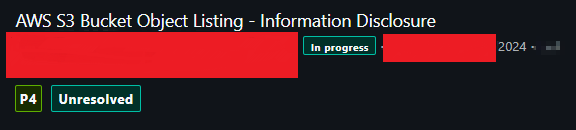
Complete writeup ⬇️
P4 Bug in HealthCare Company🏥
How I found bug in a billion dollar HealthCare Companyosintteam.blog
🪣S3 Bucket
body="s3.amazonaws.com" && domain="example.com"
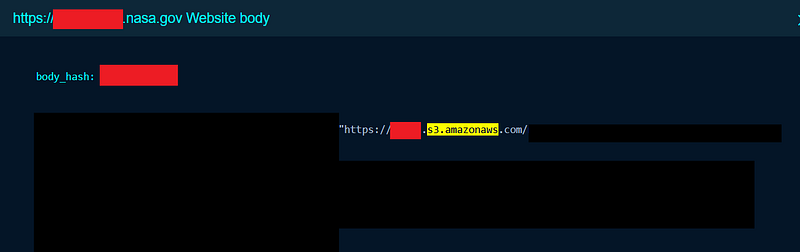
4️⃣ Metrics Endpoints or Similar to it
body="http_request_duration_seconds_sum"
body="http_requests_in_flight"
body="http_responses_total"
body="http_request_duration_seconds_bucket"
body="http_request_duration_seconds_count"
body="flask_http_request_duration_seconds_sum"
body="python_gc_objects_uncollectable_total"
body="process_virtual_memory_bytes"
body="process_resident_memory_bytes"
body="http_request_duration_highr_seconds_bucket"
body="kasiopea_assignment_total"
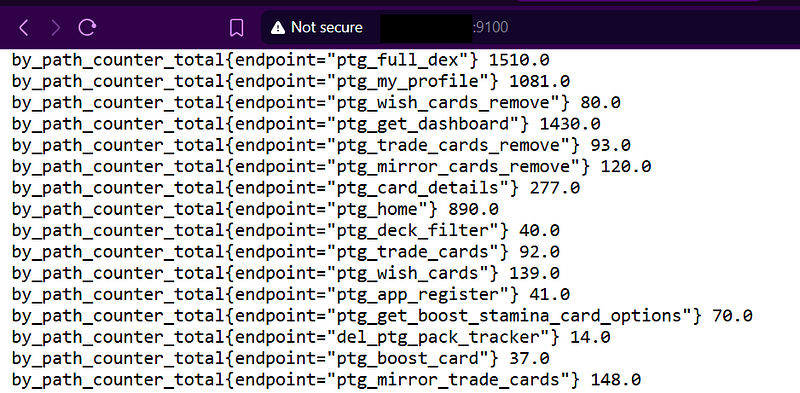
body="by_path_counter_total"


#combine with below using && operator
body="GET"
body="POST"
body="PUT"
body="/api"
body="/auth"
body="password"
body="security"
body="roles"
body="groups"
body="/v1"
body="/v2"
domain="example.com"


#extras
body="ghc_gcdetails_elapsed_seconds"
body="ghc_gcdetails_par_max_copied_bytes"
body="ghc_max_mem_in_use_bytes"
body="ghc_gcs_total"
Depending on the program, it may be accepted as an information disclosure vulnerability, if not accepted you need to test the endpoints and API paths that are disclosed, find vulnerabilities in them, and then it counts as a valid report.
Critical Paths
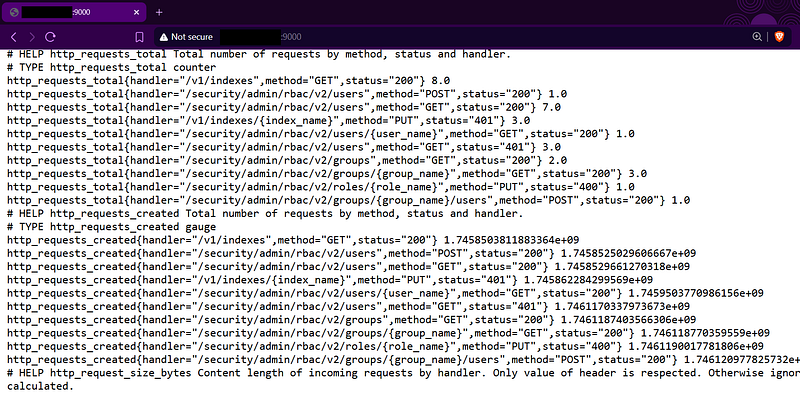


Endpoints
5️⃣ Register
body="register" && body="login"
body="register" && body="login" && domain="example.com"
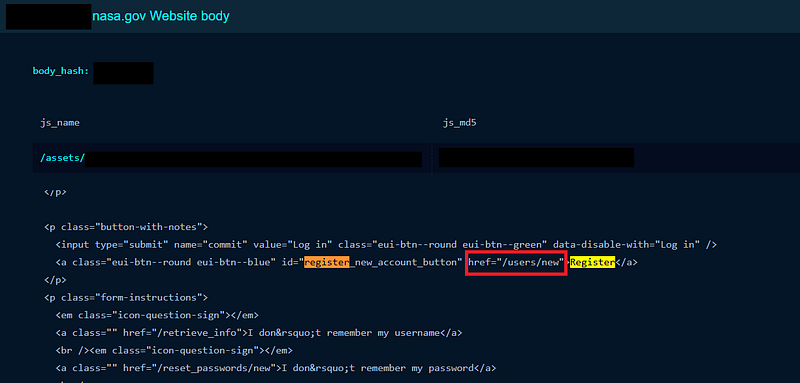
6️⃣ API Endpoints
body="/api/v1" && domain="example.com"
body="/api/v2" && domain="example.com"
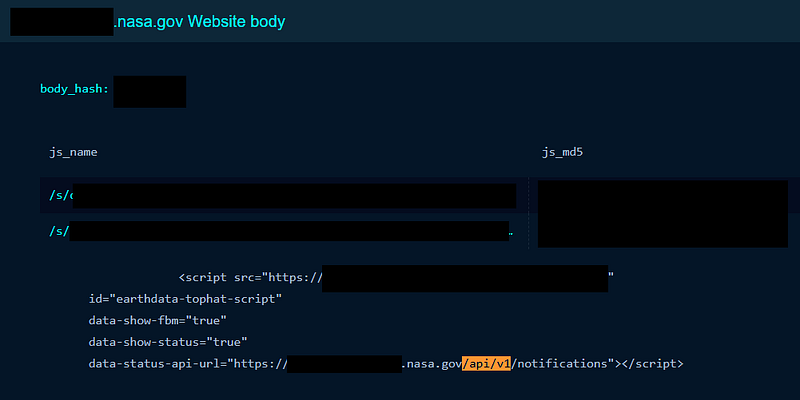
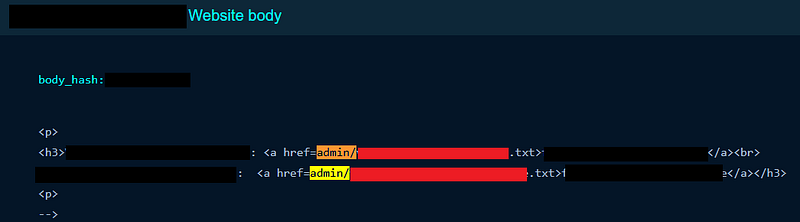
7️⃣ Admin Endpoints
body="/admin" && domain="example.com"
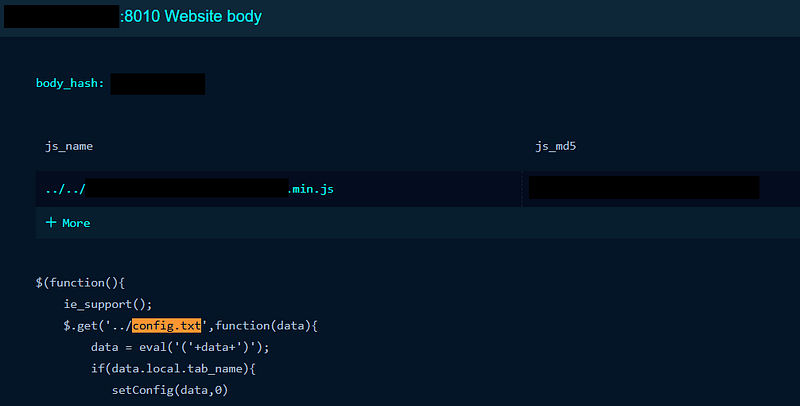
8️⃣ Information Disclosure
body="any file name that leads to info disc" && domain="example.com"
Example:
body="config.txt" && domain="example.com"
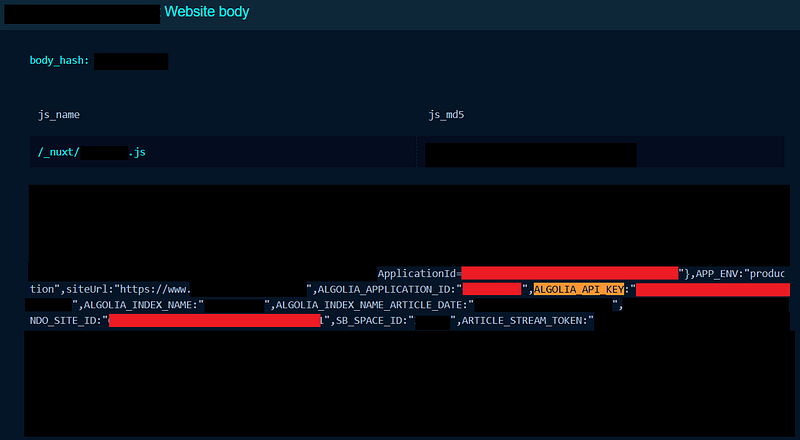
9️⃣ API Keys in JS Files
body="any_api_key_name_you_know" && domain="example.com"

#example for algolia api key
body="algolia_api_key" && domain="example.com"
body="algolia_application_id" && domain="example.com"
🔟 Match any string with previously known vulnerable endpoints
Example: Previously, you know sub2.sub1.example.tld to be vulnerable to RXSS via “xyz” parameter. Now you view the page source of this endpoint, match for some unique keywords, phrases, strings , function, object or variable names.
body="keyword1" && body="keyword2" && domain="example.com"